
One company per key
A key works for one company only. Your AI tool cannot see another company you belong to.
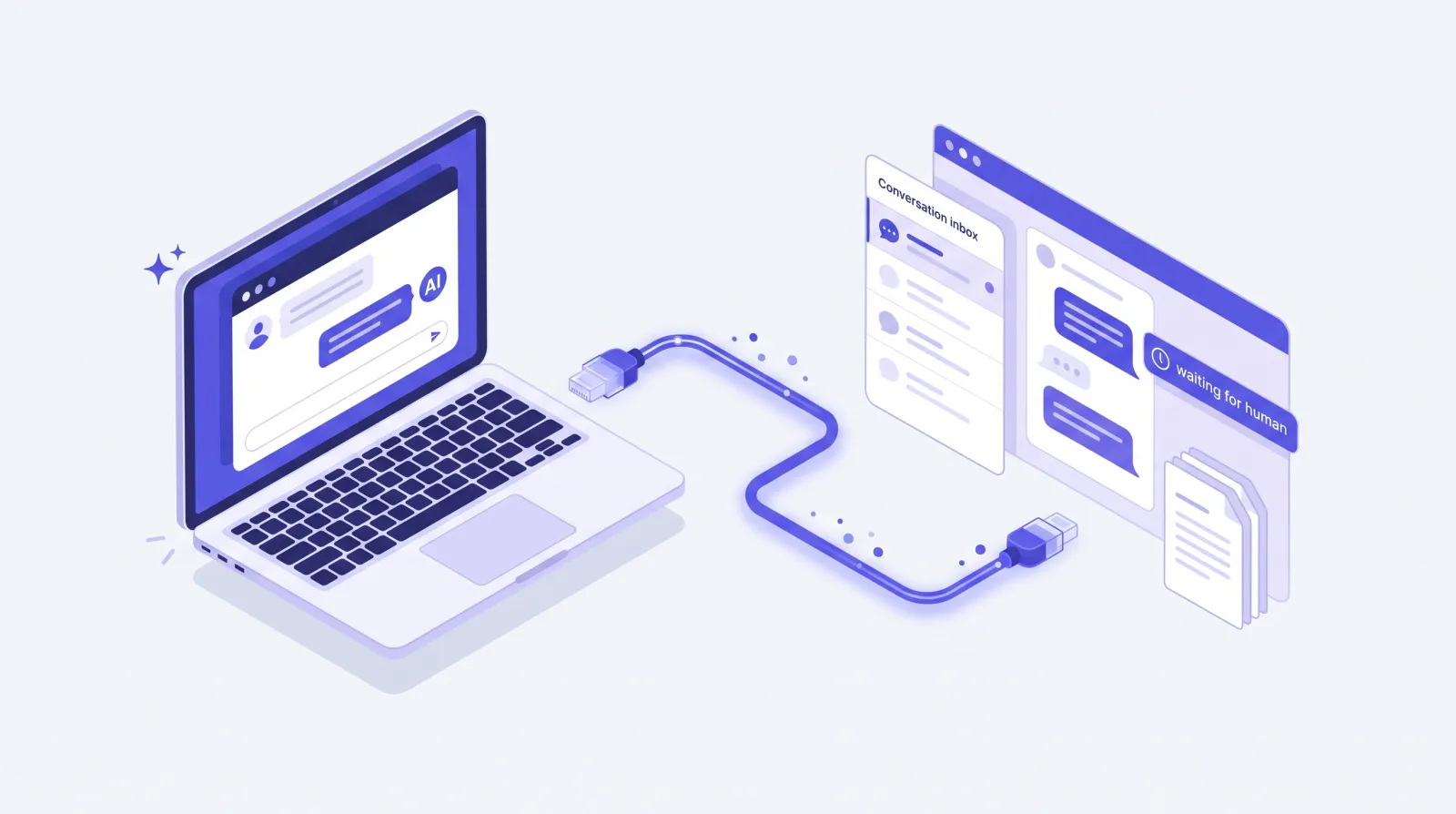
SupportHQ has an MCP server. Connect Claude Code, Cursor or VS Code to your company, then ask who is waiting for a human, reply to them, or fix a knowledge base entry. You do not need to open the dashboard.
What you can ask
Your AI tool reads the tool list, picks the right calls, and answers from your real support data.
You ask
"Which visitors on the Acme bot are waiting for a human right now?"
You ask
"Summarize the last ten conversations labeled "billing"."
You ask
"Reply to Sam that the refund is on its way, and label it "refund"."
You ask
"Change the refund window in our knowledge base from 14 to 30 days."

Conversations
Ask for every visitor still waiting on a human, or every conversation with a label. Your AI reads the full thread, oldest message first, with the contact and handoff state. Then it drafts a reply, and sends it when you say so, on the visitor's own channel.

Knowledge base
A knowledge base entry can be far longer than one AI response can hold. SupportHQ sends the start of an entry and tells your AI how to read the rest. Your AI can also search the entry, jump straight to the passage it needs, and change only that passage.
Tools
Your AI tool sees this list when it connects and chooses tools by itself. You never call them by name.
list_projects get_project get_usage list_conversations get_conversation list_messages list_labels reply_to_conversation Read and write key update_conversation Read and write key list_knowledge_entries get_knowledge_entry read_knowledge_entry list_web_sources add_knowledge_text Read and write key update_knowledge_entry Read and write key edit_knowledge_entry Read and write key refresh_knowledge_entry Read and write key delete_knowledge_entry Read and write key Setup
In the SupportHQ dashboard, open Settings, then AI connections, and select Create key. Choose read only, or read and write if your AI should reply and edit. Copy the key: it is shown only once.
Give your tool the server URL https://api.supporthq.app/mcp and send the key in the Authorization header. The snippets on this page are ready to paste.
Ask in plain language, for example "who is waiting for a human?". Your AI tool picks the right SupportHQ tools and shows you what it found.
Run this in a terminal.
claude mcp add --transport http support-hq https://api.supporthq.app/mcp \
--header "Authorization: Bearer YOUR_API_KEY"Add this to ~/.cursor/mcp.json.
{
  "mcpServers": {
    "support-hq": {
      "url": "https://api.supporthq.app/mcp",
      "headers": {
        "Authorization": "Bearer YOUR_API_KEY"
      }
    }
  }
}Add this to .vscode/mcp.json, or run "MCP: Add Server" from the command palette.
{
  "servers": {
    "support-hq": {
      "type": "http",
      "url": "https://api.supporthq.app/mcp",
      "headers": {
        "Authorization": "Bearer YOUR_API_KEY"
      }
    }
  }
}
Replace YOUR_API_KEY with your key. The dashboard shows these snippets with your key filled in, right after you create it.
Security
The server gives your AI tool the same view you have in the dashboard, and never more.
A key works for one company only. Your AI tool cannot see another company you belong to.
SupportHQ checks your current role each time. If you leave the company or your role changes, the key follows at once.
A read only key can look but not change anything. Only owners and admins can create keys that reply and edit.
The reply tool tells your AI to show you the exact text and ask before it sends. Clients such as Claude Code also ask before each tool call unless you allow it.
SupportHQ keeps a hash of each key, never the key itself. Revoke a key at any time from the dashboard.
Each tool call is recorded with who made it and when, without storing the conversation text it returned.
Anyone can write into a chat widget. Results that carry visitor messages tell the AI to treat them as data, not as instructions.
MCP (Model Context Protocol) is an open standard that lets AI tools such as Claude, Cursor and VS Code use data and actions from other services. A service publishes an MCP server, and any MCP client can connect to it.
Any MCP client that supports remote servers over HTTP with a custom Authorization header. This includes Claude Code, Cursor, VS Code and Windsurf. Claude.ai and ChatGPT connectors need OAuth sign-in, which is coming next.
Yes, with a read and write key. The reply goes into the same conversation, on the visitor's own channel, exactly as if a teammate sent it from the inbox. A pending handoff is marked as answered.
No. Reading and human replies do not count toward your plan's conversation or message limits. Knowledge base content you add counts toward your storage, the same as in the dashboard.
Tool results go to the AI tool you connect, and that tool's data policy applies to them. SupportHQ never returns channel secrets such as bot tokens.
Revoke the key in Settings, then AI connections. The AI tool loses access on its next request.